


Reluctant readers are often discouraged because the subject matter that they are interested in or required to read is presented with complex language that is difficult for them to read and understand.
The Mobile Education Store has come up with the ultimate solution to this difficulty with its Crack the Books Series.
There are currently 3 out in the series, Pines to Vines- The Forest Biome, Blades- The Glassland Biome, and the most recent Seashores to Sea Floors – The Ocean Biome.
The Settings Menu has the following features that are explained fully in the app:
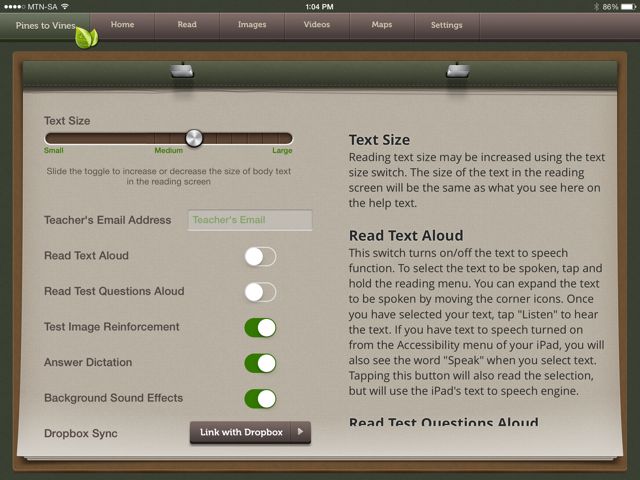
Text Size: Allows the text size to be increased or decreased
Teacher email address: Can be used to receive completed tests from students
Read Text Aloud: on/off
Test Image Reinforcement: When turned on an image is shown next to each question.
Answer Dictation: When turned on the student can dictate the answer rather than type them.
Background Sound effects: Turning this on will enable background special effects as you read.
Dropbox Sync: Allows you to backup student settings, bookmarks, notes and tests.
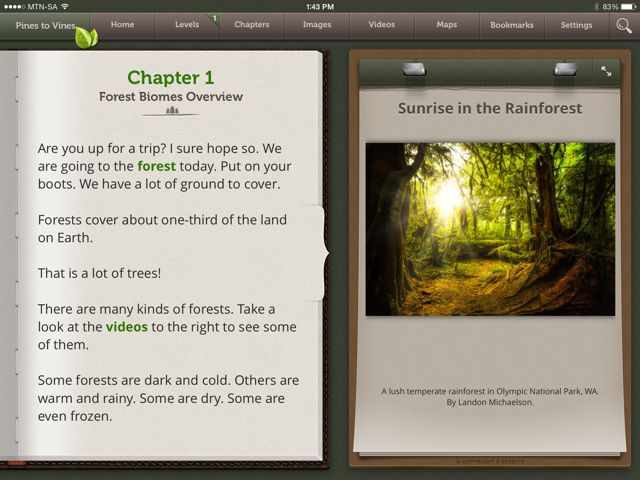
Once you begin to read the text, you can choose from 5 different reading levels. You can adjust the reading level during the programme.
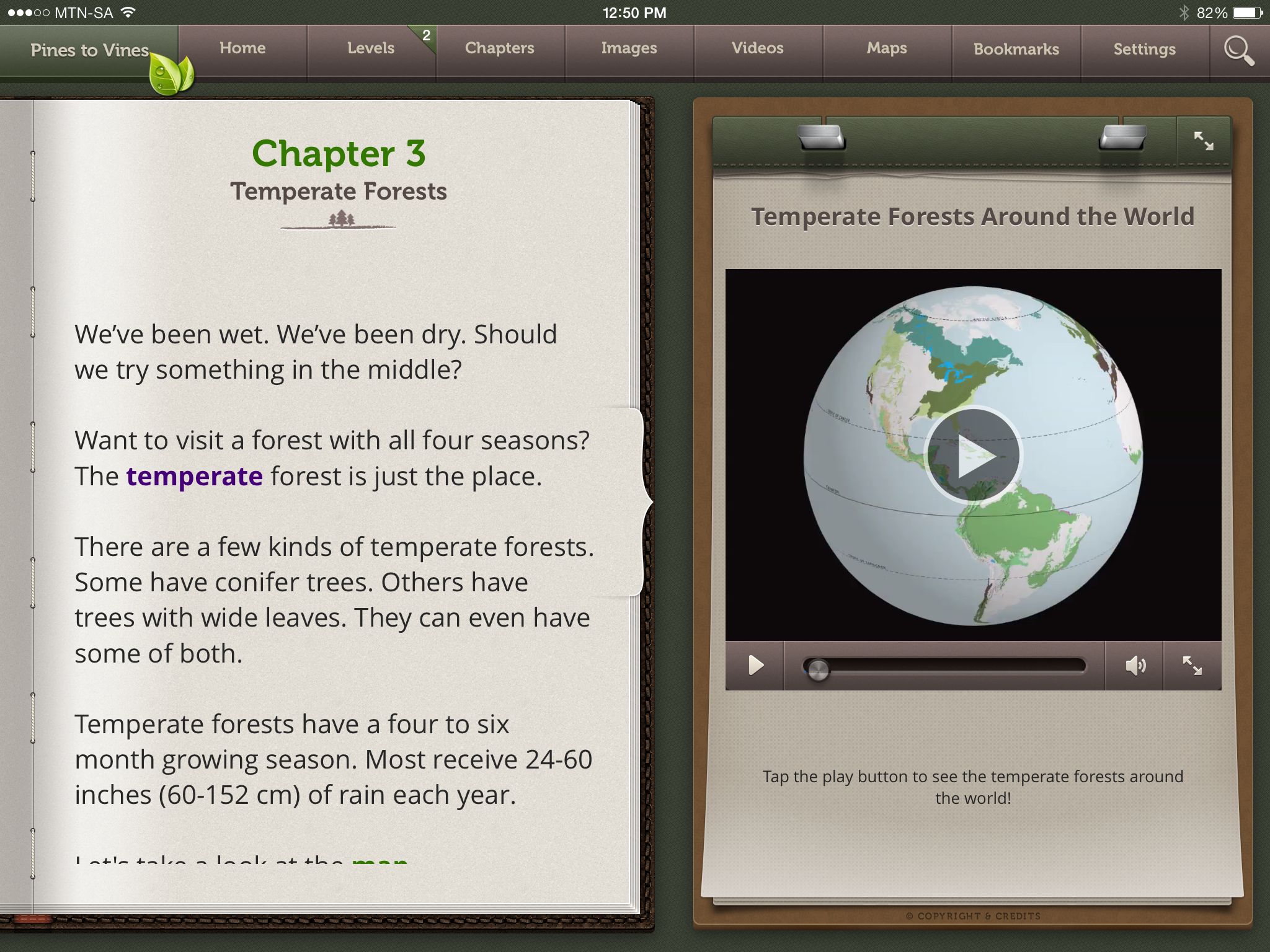
New vocabulary is highlighted in purple.
Tapping on the word provides the correct pronunciation and a definition of the word.
New Vocabulary is reinforced in the Glossary. The word can be read aloud. A written definition is supplied and students are encourage to record the word and listen to the recording.
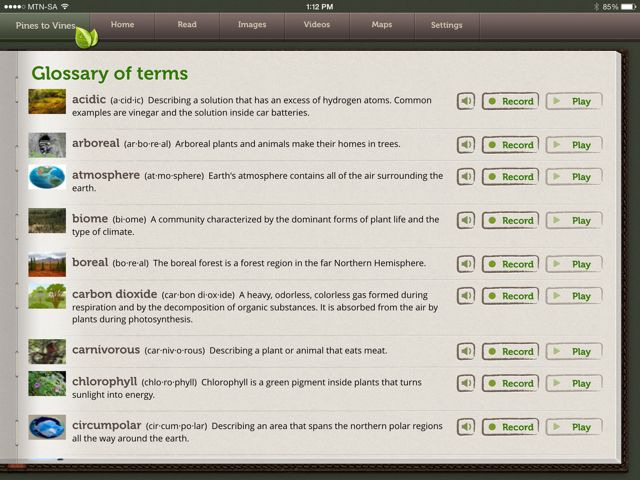
Glossary of Terms
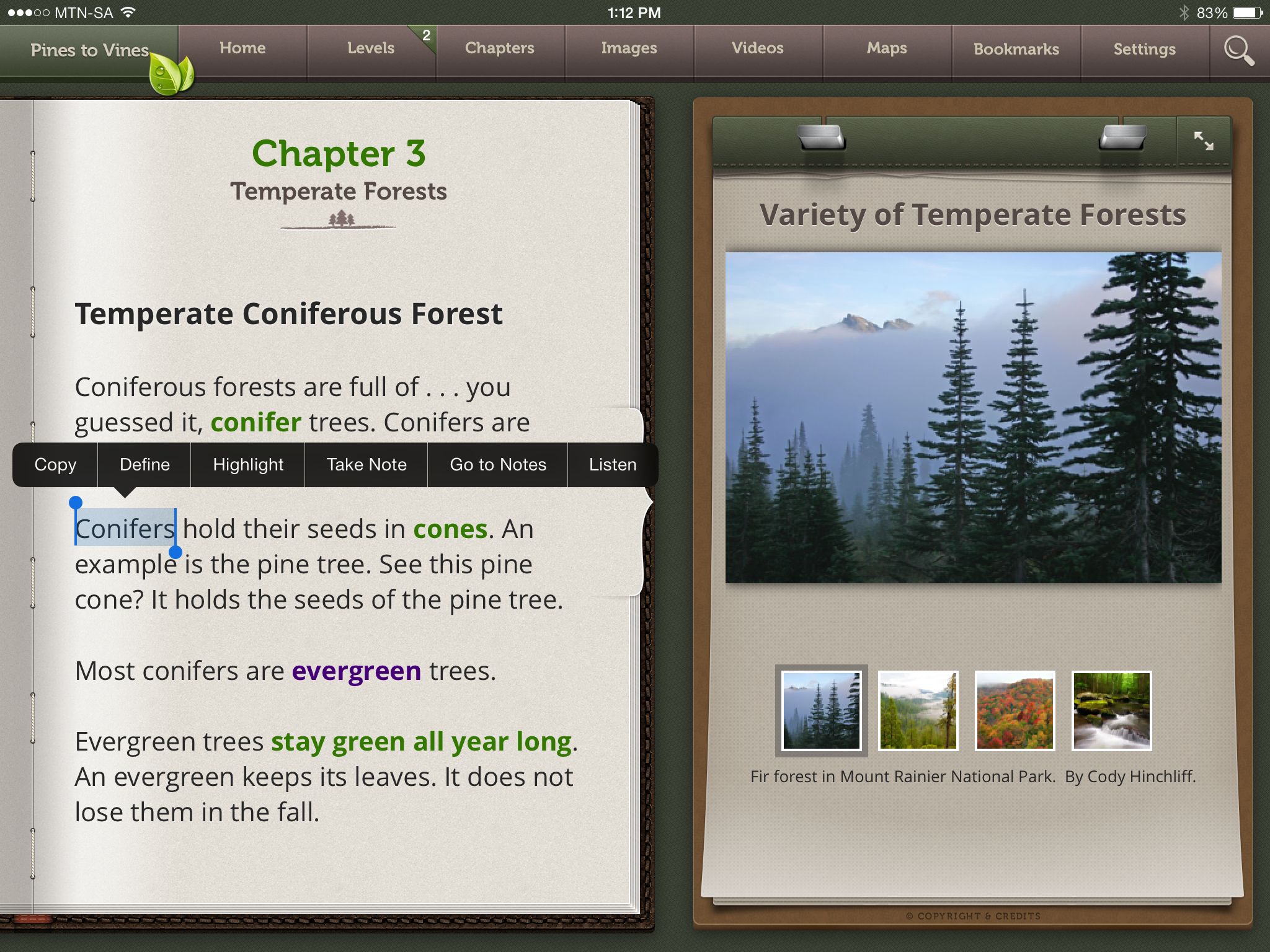
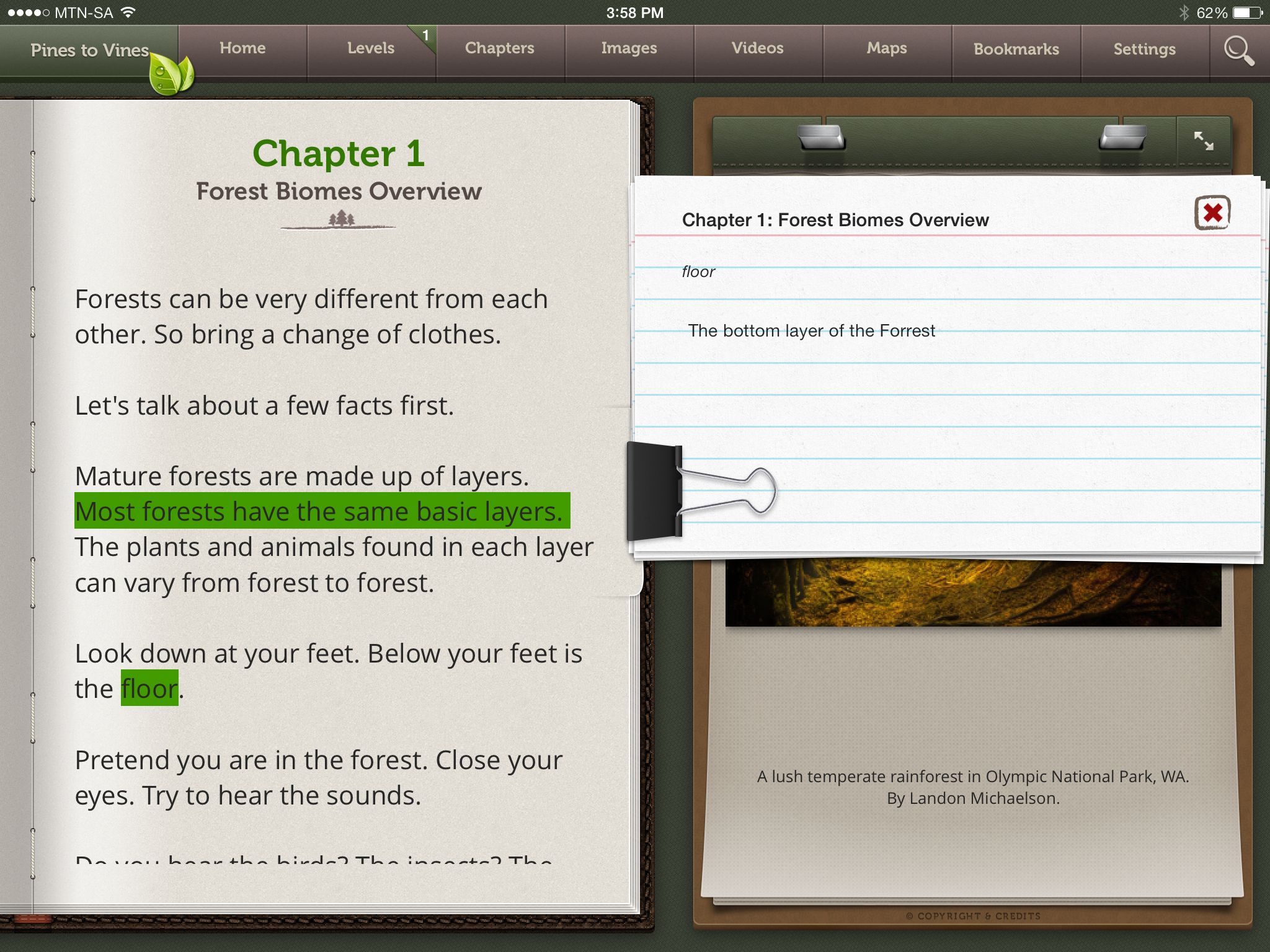
Notes and Highlights can be created by tapping and holding on a word until a submenu appears
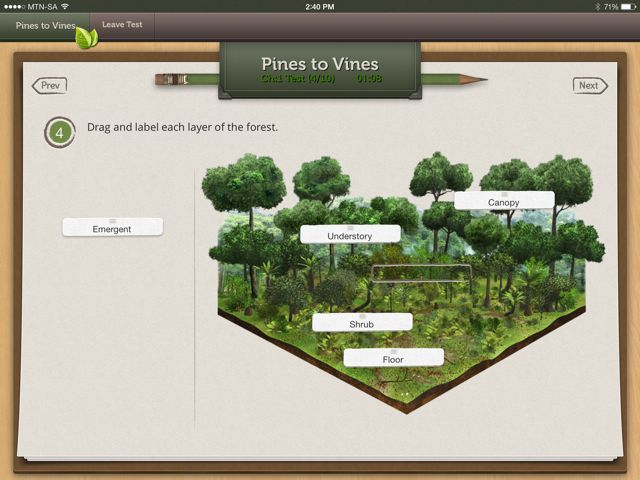
At the end of each chapter, the student can take the test that is timed. This allows the student and the teacher to evaluate how well he understands the information.
The test questions contain a number of different question formats including Drag and Drop, True/False, Multiple Choice, Vocabulary Matching, and Essay. All non-essay test questions are automatically graded, allowing educators to efficiently monitor students’ mastery. The test level can also be adjusted.
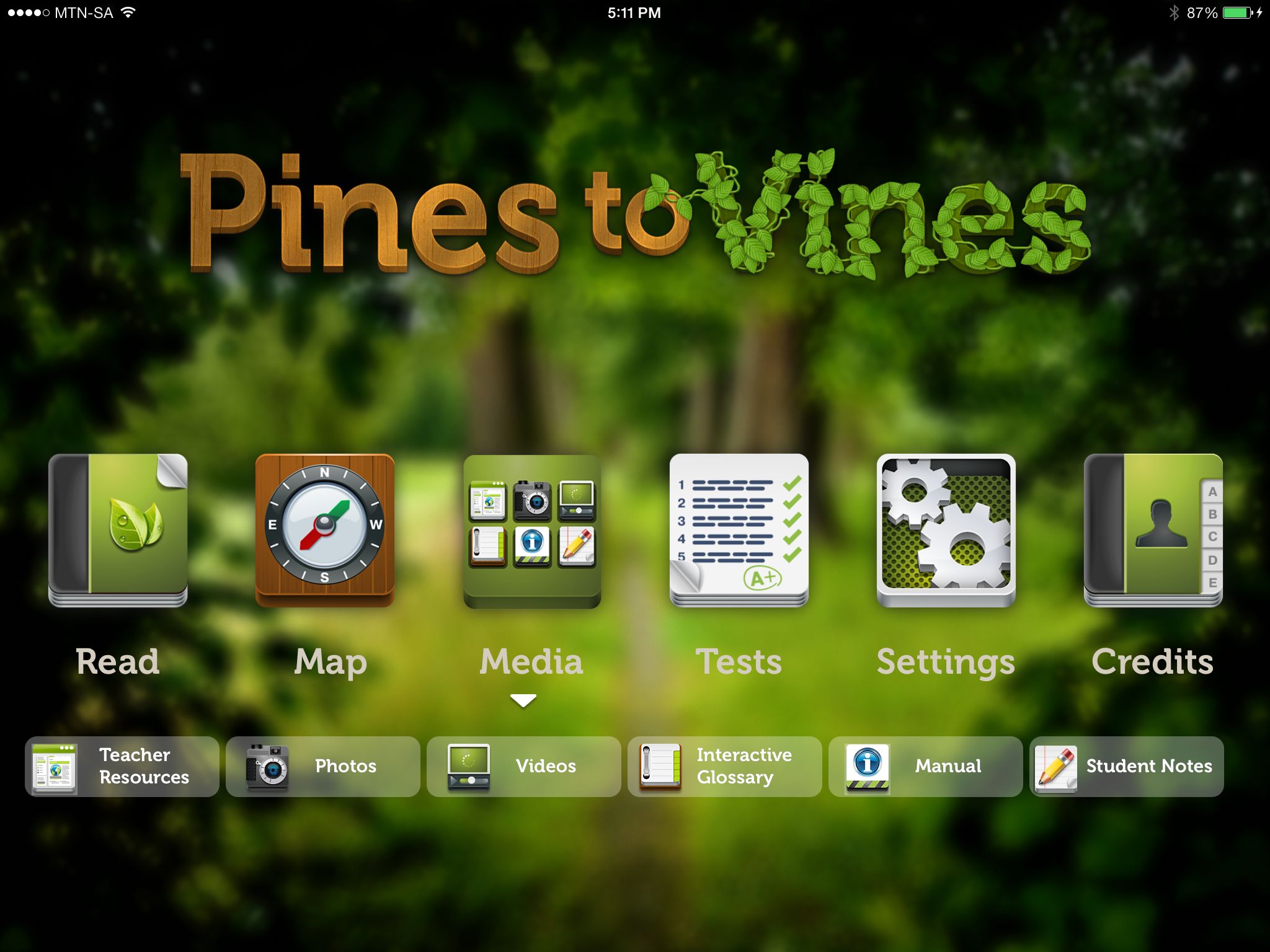
A comprehensive instruction manual which can be accessed by tapping on the Media Button on the Home screen.
Teachers are not neglected. By simply creating an account, teachers can log in and download lesson plans for the class.
http://mobile-educationstore.com/itextbooks/teacher-resources
I have no doubt that as more and more teachers use this amazing resource more and more lesson plans and ideas will be added making it even easier and more versatile to use.
What I love:
What makes this App even more spectacular is that every single feature is available without an internet connection. Even the tests can be taken without a connection and as soon as there is a connection, it can be shared with the teacher.
iSchool Africa highlighted how empowering this app can be for underprivileged children who have never seen the sea or a forest.
Watch this space! 🙂
Pines to Vines is available on the App Store for $9.99
A copy was provided to me for evaluation. All opinions are my own.
